Skip to content
Motion Buddy for After Effects: the Auto Parallax page
After Effects · Premiere Pro coming soon

Your editing sidekick for After Effects and Premiere Pro

A panel that does the slow parts for you. Parallax, captions, easing and animation in a few clicks.

Coming soonMotion Buddy for Premiere Pro: the 1-Click edits page
Demo · 60 s · both panelsRecorded from the real panels
The panels

Pick the app you work in

Ae

Motion Buddy for After Effects

Available now

The motion designer's toolkit. Build, animate and style in a few clicks.
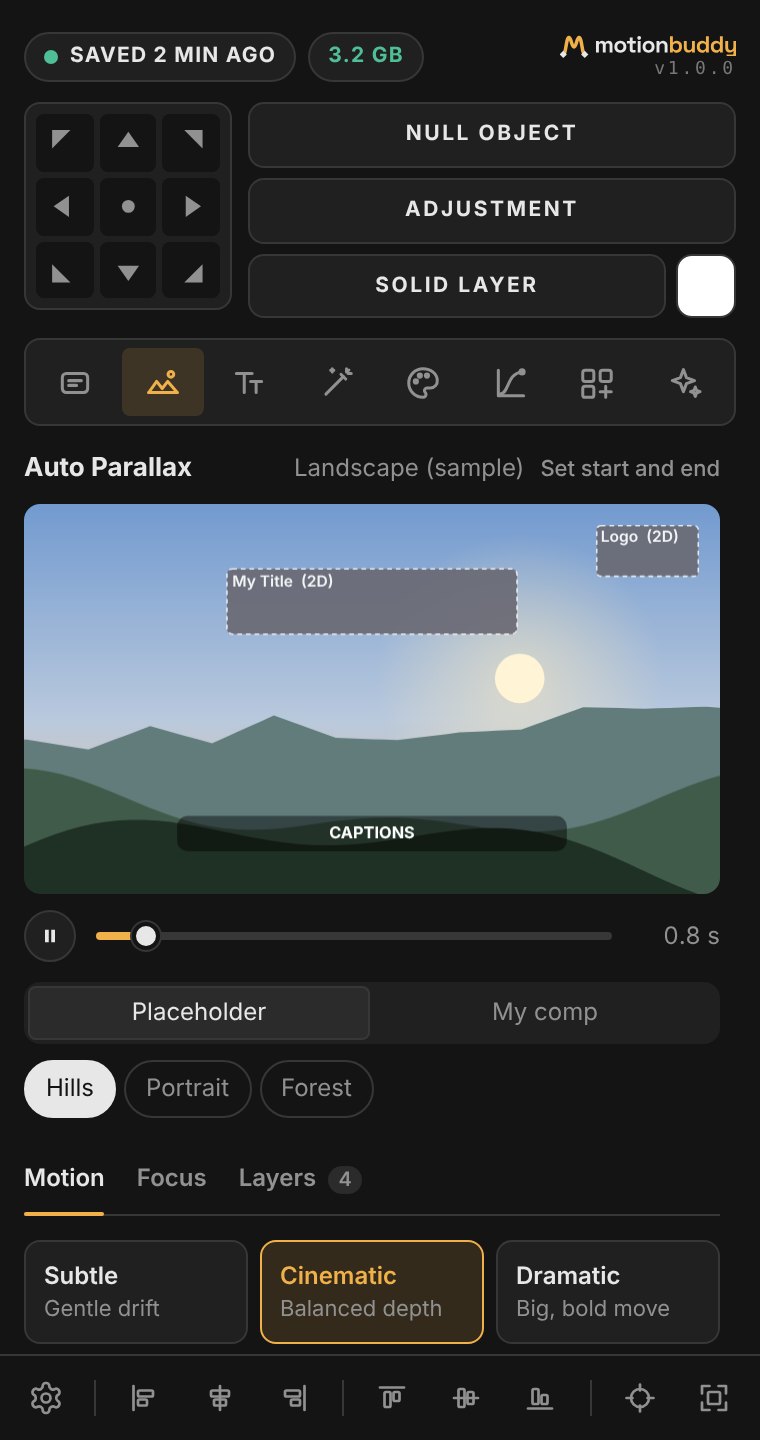
Auto Parallax page of the panel, with a landscape preview and look presets
Auto Parallax
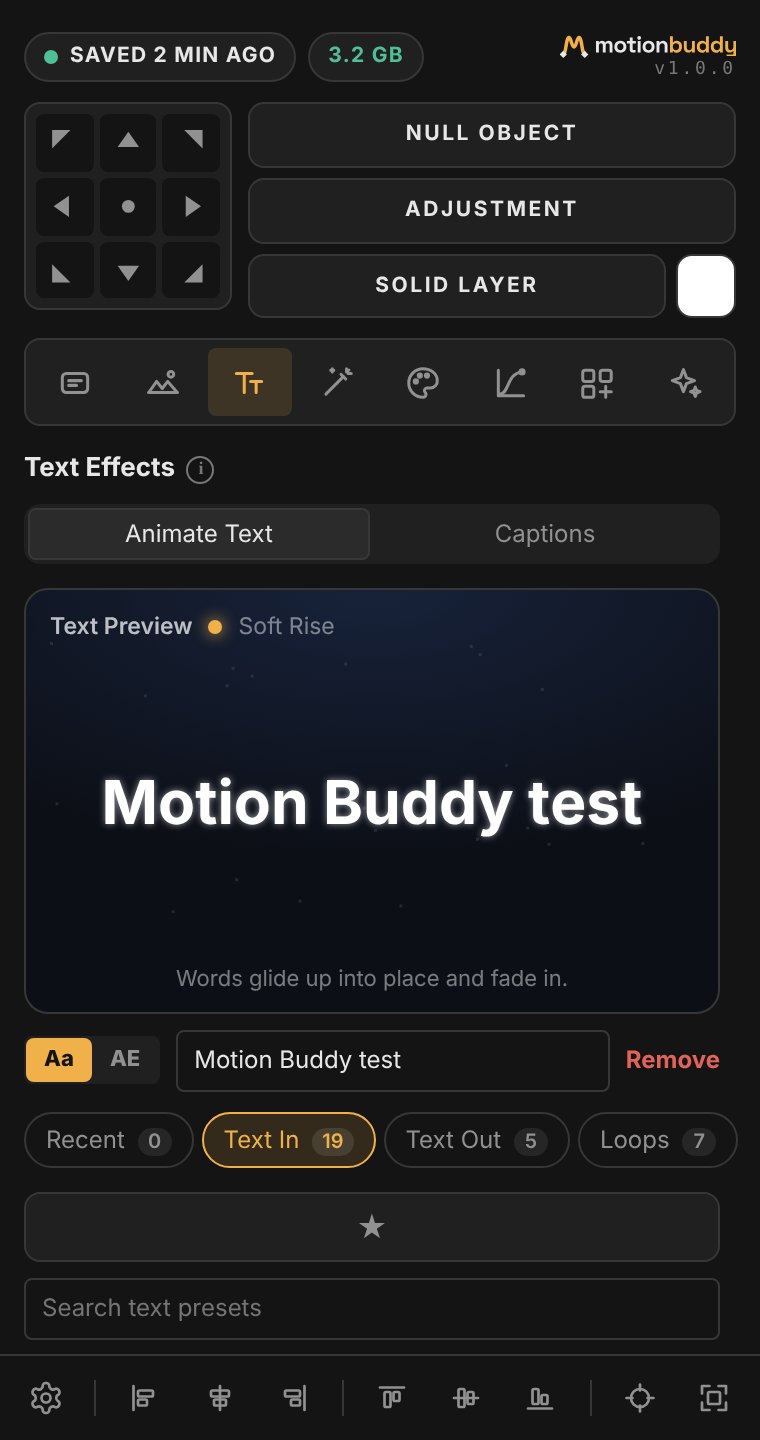
Text Effects page with a live text preview
Text
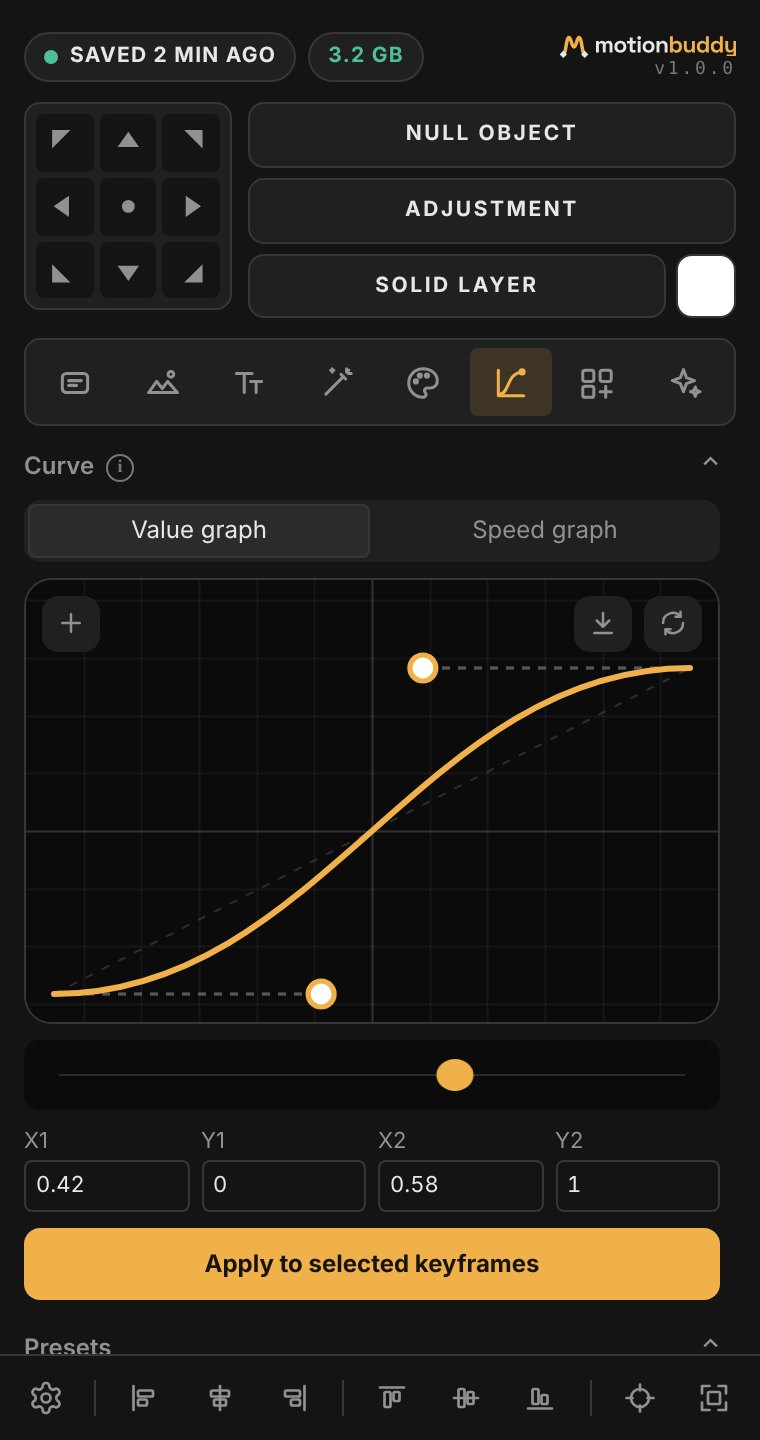
Curves page with the value graph and two handles
Curves
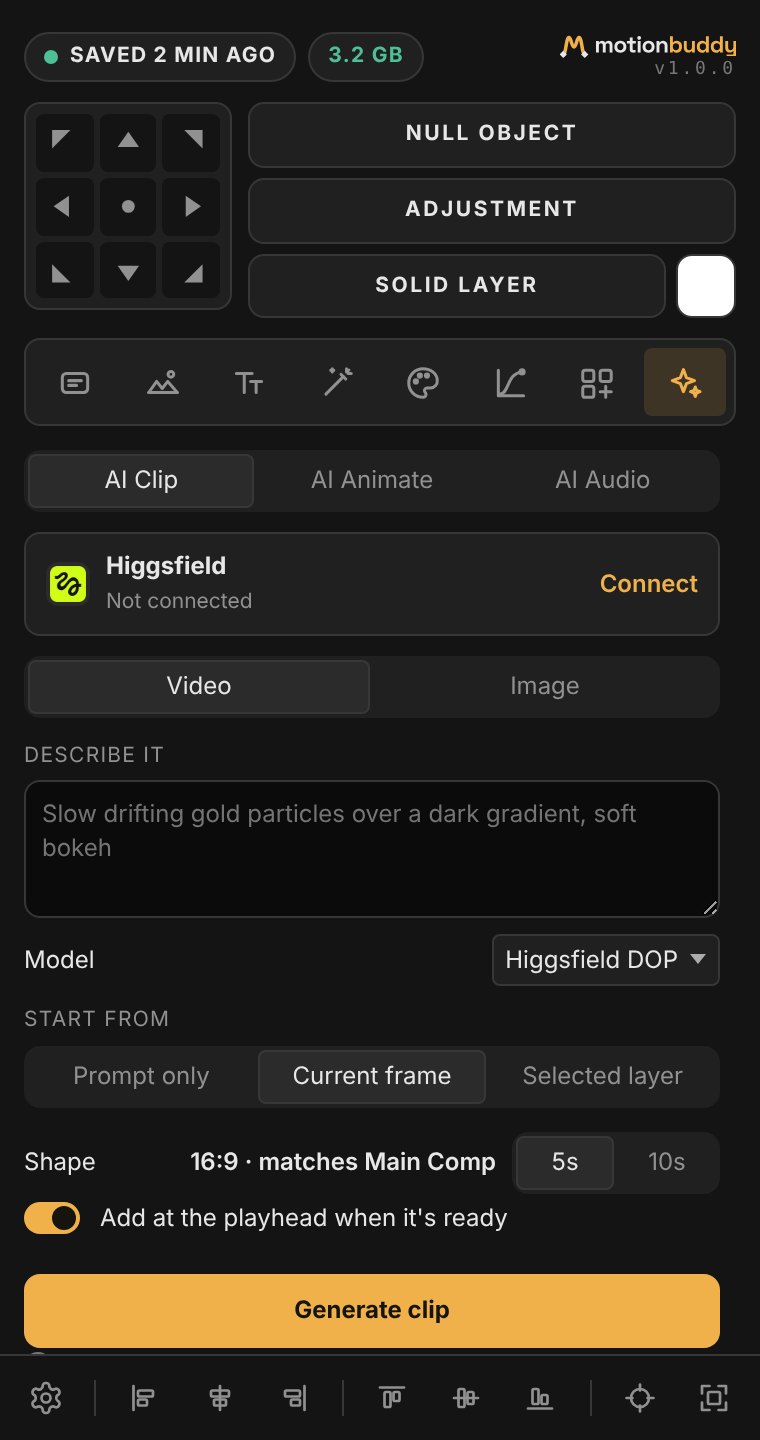
AI page of the panel
AI
  • Auto Parallax camera moves, with depth of field and shake
  • 40+ text animations and word-by-word animated captions
  • A real curves editor, plus 30 animation effects
  • Colour looks, palettes and a library for your own animations
  • Optional AI that builds animations from plain words
One-time purchase · 2 computers per keyBuy for After Effects
Pr

Motion Buddy for Premiere Pro

Coming soon

Talking-head videos edited in one click. Cut, caption and finish without the grind.

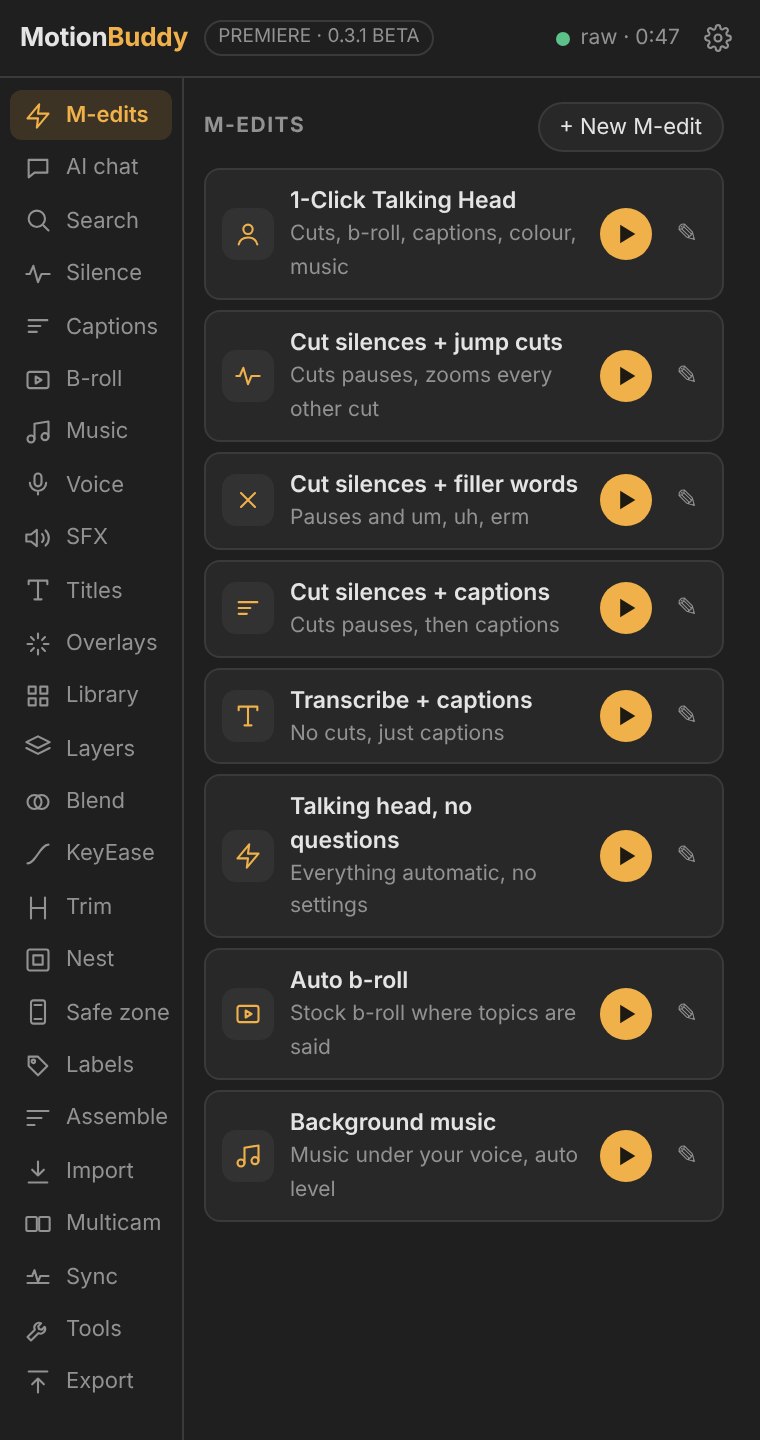
1-Click edits page listing one-click edits
1-Click edits
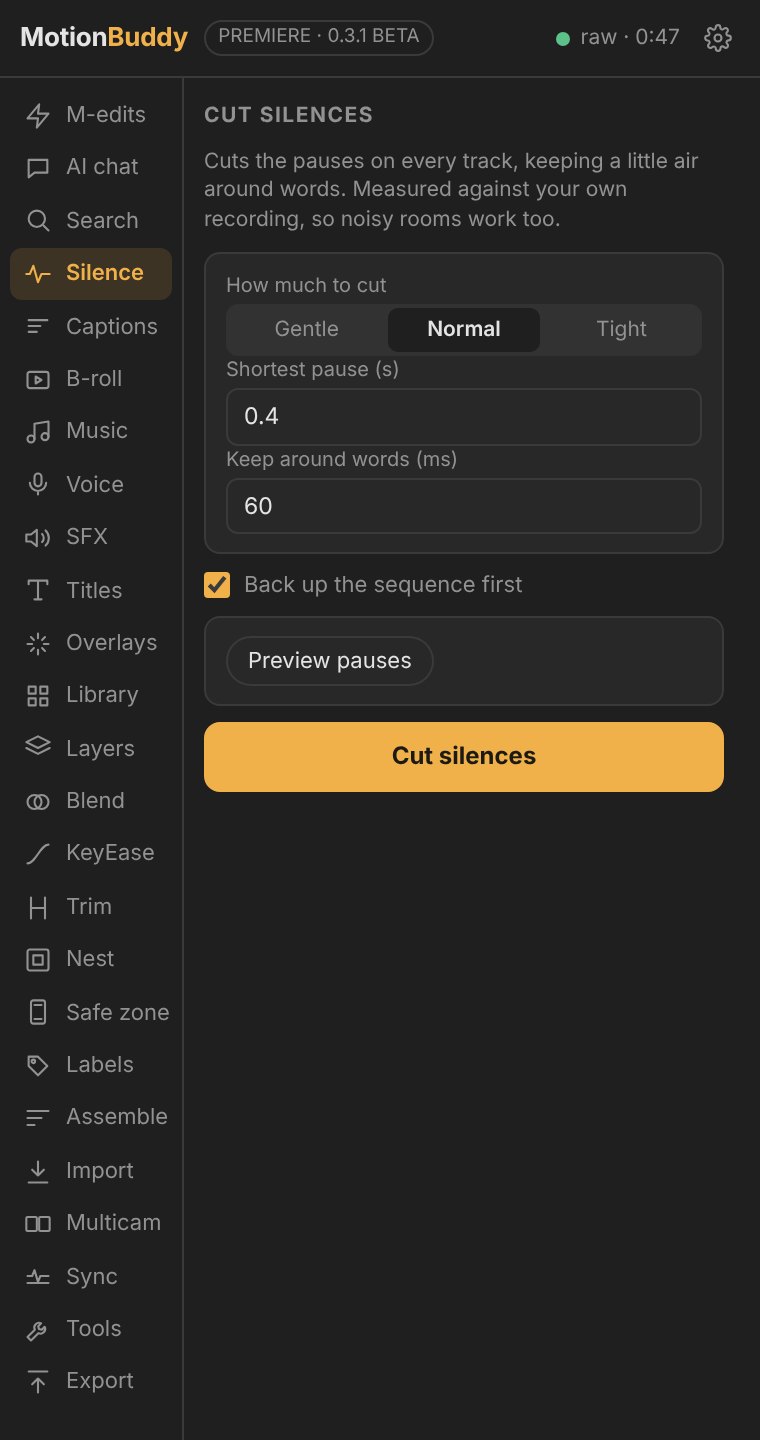
Cut silences page
Cut silences
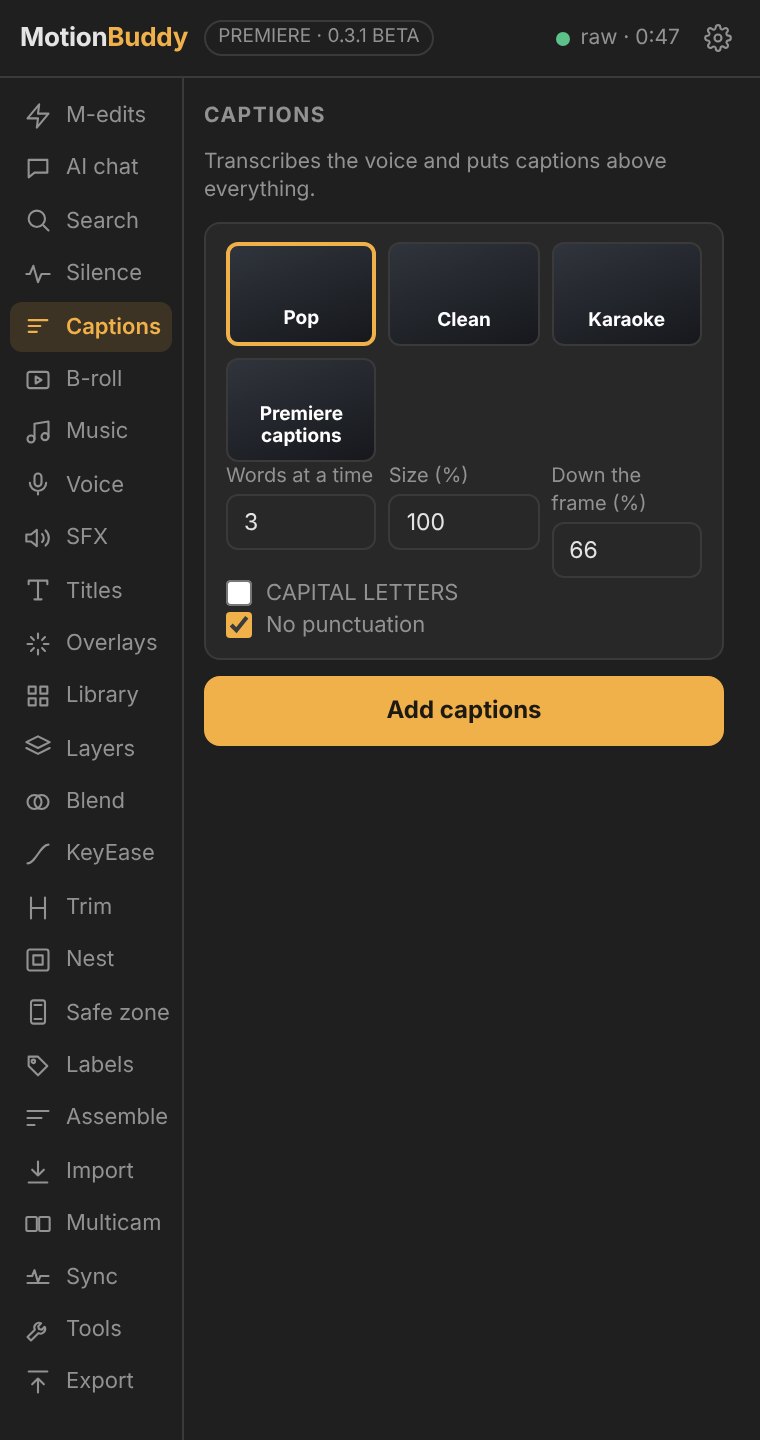
Captions page with caption styles
Captions
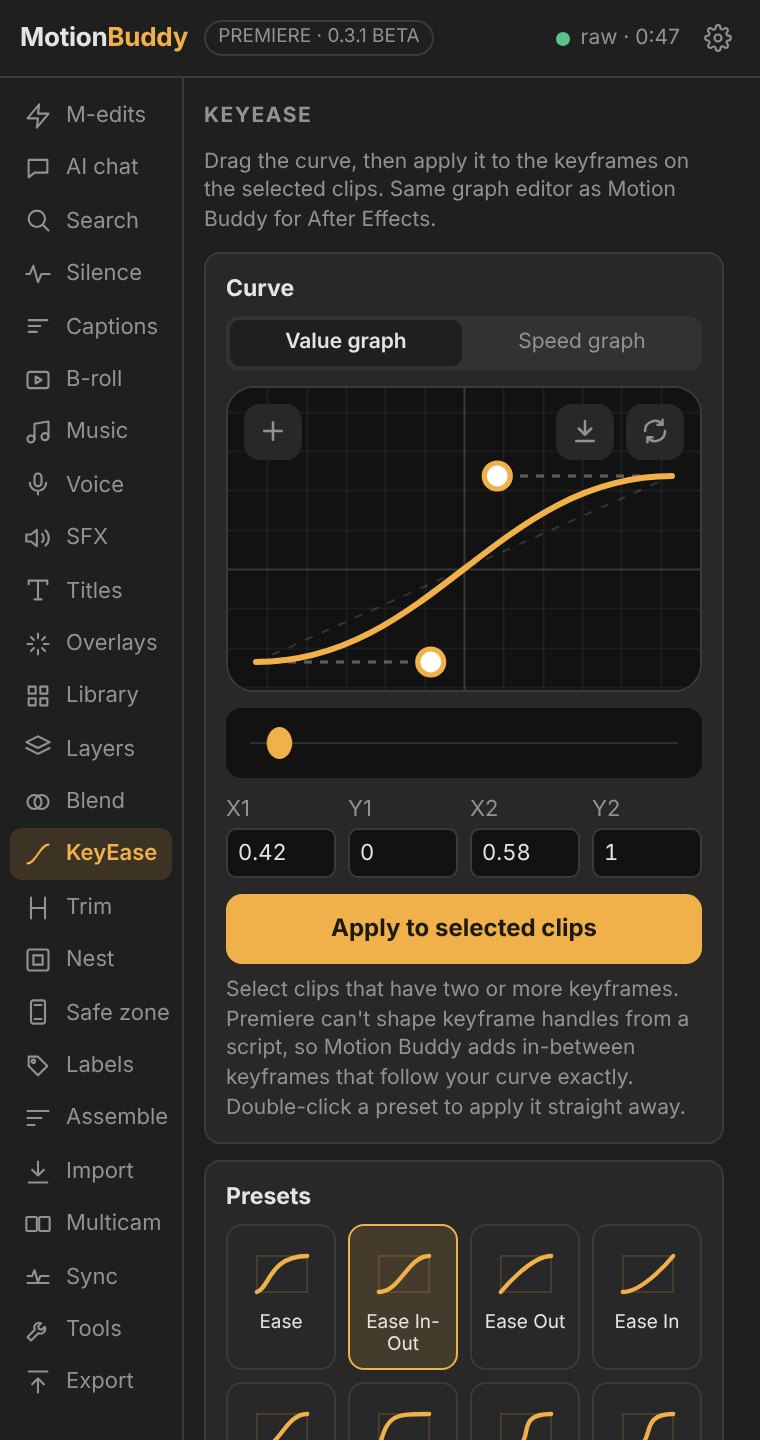
KeyEase graph editor
KeyEase
  • 1-Click edits: silences, filler words and retakes cut
  • Captions with styles, b-roll from Pexels and Pixabay, music under your voice
  • Voice clean-up, colour, zoom punches and sound effects on cuts
  • KeyEase graph editor, trim, nest, multicam and sync tools
  • Free YouTube Audio Library music, right inside Premiere
In testing nowComing soon

Both panels on one key

After Effects and Premiere Pro together, when the Premiere Pro panel launches.

Coming soon

Made for Mac

After Effects 2021 or newer. Installs with the free ZXP Installer in about two minutes.

Pay once

No subscription. Your licence key works on 2 computers, and updates for your version are included.

Your AI, your costs

AI is optional and uses your own Claude, OpenAI or other accounts. Parallax, text, captions and curves need no AI at all.

Install

Up and running in three steps

  1. Get the free ZXP Installer

    Download it from aescripts.com, then drag MotionBuddy-v1.0.0.zxp from your receipt onto it.

  2. Open the panel

    Start After Effects and choose Window › Extensions › Motion Buddy. Dock it wherever you like.

  3. Paste your key

    Click the gear, open License, paste the key from your receipt email and press Activate.

Questions

Before you buy

Does it work on Windows?

Not yet. Motion Buddy is made and tested for Mac.

Can I try it first?

Yes. Without a key it runs as a 14-day free trial with every tool.

Do I need AI to use it?

No. AI is one tab among many. Parallax, text, captions, curves, colour and the library all work without it.

How many computers can I use?

Two per key. To move it, press Deactivate in Settings › License on the old computer and activate on the new one.

Does it work offline?

Yes. The key is checked online every few days and keeps working for 7 days without internet.

When is the Premiere Pro panel out?

It's in testing now. It will be sold on its own and in a bundle with the After Effects panel.